7 Steps to Take Before Requesting a YouTube Video Removal
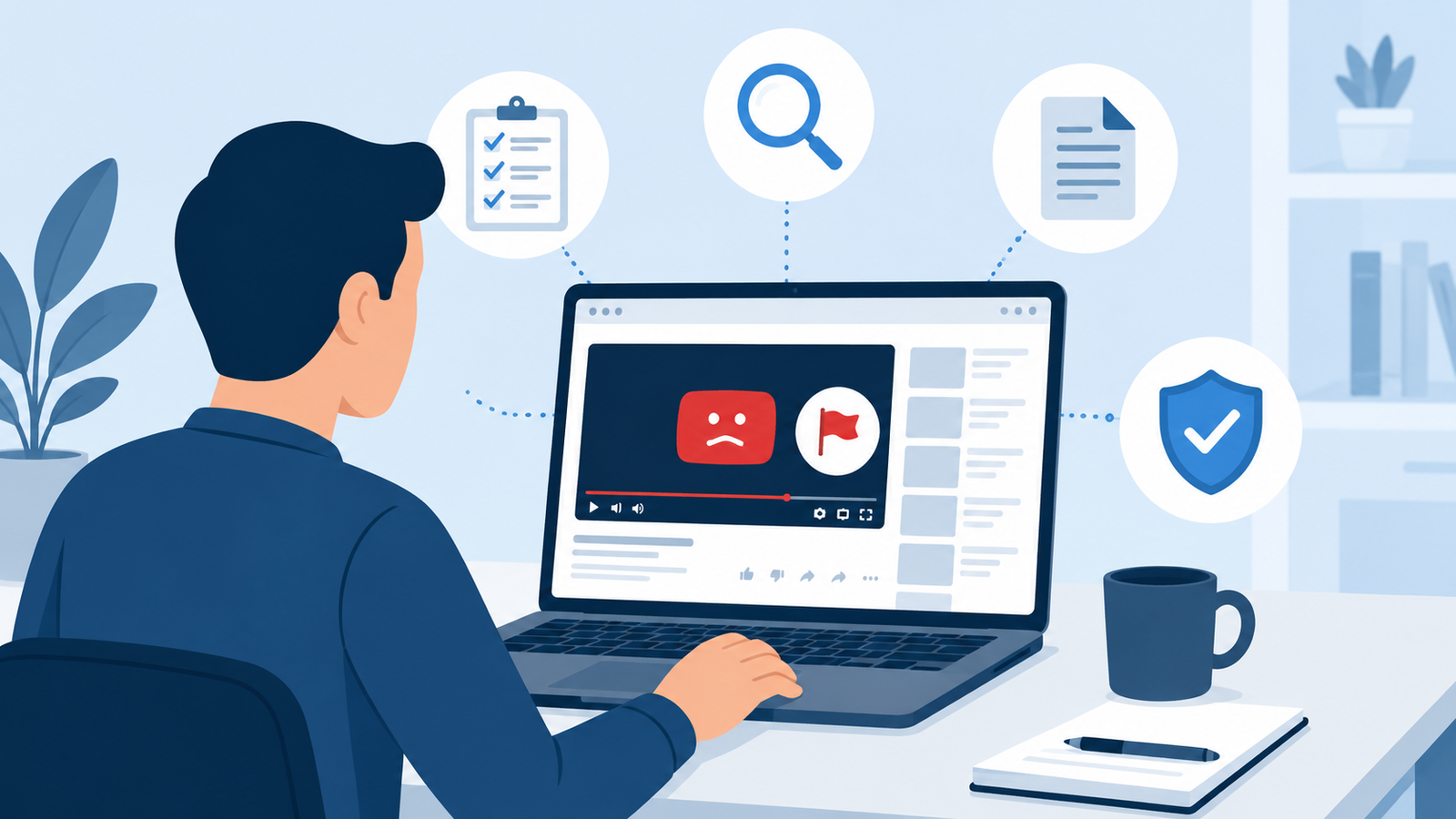
A harmful or false video about you can feel like an emergency the moment you find it. Your instinct is to hit the report button and hope the problem disappears overnight.
That instinct is understandable, but it can also work against you. YouTube reviews thousands of complaints every day, and a rushed or poorly documented request is far more likely to get rejected.
The good news is that a little preparation goes a long way. When you approach the process methodically, you give your complaint the best possible chance of success, and you protect yourself from wasted time and frustration.
This guide walks you through seven practical steps to take before you ever click submit on a YouTube removal request, so your complaint is clear, well supported, and hard to ignore.
Key Takeaways
- Read the video carefully and confirm exactly which statements or scenes are the problem before you file anything.
- Save evidence immediately, since videos and comments can be edited or deleted without warning.
- Match your complaint to the correct YouTube policy, because a mismatched claim is a common reason for denial.
- Try direct contact with the uploader first when it is safe to do so, since many disputes resolve without a formal report.
- Document your identity and your connection to the content, since YouTube needs to confirm you have standing to complain.
- Understand the difference between a community guidelines report and a legal complaint, because they follow separate processes with separate outcomes.
- Know your fallback options in advance, including a formal legal review, in case your first request is denied.
Why Preparation Matters More Than Speed
Many people assume that reporting a video is a simple form and a quick decision. In reality, YouTube’s trust and safety teams handle an enormous volume of reports, and they rely on the details you provide to make a judgment call.
A vague report that simply says “this video is mean” or “this is not true” rarely leads anywhere. A report that names the exact timestamp, quotes the exact statement, and links it to a specific policy is far more likely to get a real review.
Before you go further, it also helps to <cite index=”6-1″>understand defamation vs. free speech first</cite>, since not every upsetting or critical video crosses a legal line. Commentary, opinion, satire, and even harsh criticism are often protected speech, so knowing where the line sits will shape how you frame your complaint.
Step 1: Watch the Full Video Carefully and Take Notes
Before you file any report, sit down and watch the entire video from start to finish. Do not rely on a clip someone sent you or a summary from a friend.
As you watch, write down every specific moment that concerns you. Note the exact timestamp, the exact wording used, and why that particular moment is a problem.
This level of detail matters because YouTube’s review teams cannot guess what you mean by “the part where they lie about me.” A precise note such as “at 3 minutes 42 seconds the narrator states I was fired for theft” gives the reviewer something concrete to check.
What to Record While Watching
- The video title and the exact URL
- The channel name and the channel URL
- Every timestamp where a problematic statement or image appears
- A short quote or description of what is shown or said at each timestamp
- Whether the claim is a factual statement or an opinion
Step 2: Save Evidence Immediately
Videos, titles, descriptions, and comments on YouTube can be edited or removed at any time. If the uploader senses that a complaint is coming, they may quietly change the content, which can make your case harder to prove later.
As soon as you identify a problem, capture evidence before doing anything else.
Ways to Preserve Evidence
- Take full screenshots of the video, including the title, description, and comment section.
- Record a screen video that plays through the relevant sections with the timestamp visible.
- Save the direct video URL along with the date and time you accessed it.
- Use a web archiving tool to create a timestamped snapshot of the page.
- Save copies of any related posts on other platforms that link to or promote the video.
Keeping organized evidence also supports your credibility if the situation ever escalates beyond YouTube’s internal review, such as into a formal legal dispute.
Step 3: Identify Exactly Which YouTube Policy Applies
One of the most common reasons a removal request gets denied is that the person filed it under the wrong category. YouTube offers several distinct removal paths, and each one requires different proof and follows a different review process.
Before submitting anything, take time to check YouTube’s community guidelines on defamation as well as its related policies, so you can match your situation to the correct claim type.
Common YouTube Removal Categories
| Category | Best Used When | Typical Proof Required |
|---|---|---|
| Community Guidelines Violation | Content involves harassment, hate speech, or graphic content | Timestamps and description of the violation |
| Privacy Complaint | Your image, name, or personal information appears without consent | Proof of identity and details of what was shared |
| Defamation Complaint | The video contains a false statement of fact that damages your reputation | Explanation of why the statement is false and harmful |
| Copyright or DMCA | The video uses your original photos, footage, or music without permission | Proof of ownership of the copyrighted material |
| Harassment or Cyberbullying | Repeated targeted attacks against a specific individual | Pattern of behavior and specific abusive content |
Choosing the right lane matters because YouTube will only consider legal complaints where it has been notified by the affected party or their authorized legal representative, so a third party filing on someone else’s behalf without proper authorization can stall the entire process.
Expert Tip
If you are unsure which category fits, describe the harm in one plain sentence first, such as “this video shares my home address” or “this video falsely claims I committed a crime.” That sentence usually points directly to the correct policy.
Step 4: Try Contacting the Uploader Directly When It Is Safe
It might feel counterintuitive, but reaching out to the person who posted the video is often the fastest path to a resolution. Many uploaders are willing to remove or edit content once they realize it has caused real harm, especially if they did not intend to cause damage.
YouTube itself notes that obtaining a court order can be costly and time consuming, and encourages people to contact uploaders directly, since some uploaders willingly remove harmful content once asked.
This step is not always appropriate. If the video involves harassment, stalking, threats, or a pattern of targeted abuse, contacting the uploader directly could increase your risk. In those situations, skip this step and move straight to a formal report.
When Direct Contact Makes Sense
- The uploader appears to be a former colleague, acquaintance, or someone with no history of hostility
- The video seems to stem from a misunderstanding rather than malicious intent
- You have a safe way to reach them, such as a public business email
When to Skip Direct Contact
- The video includes threats or signs of obsessive behavior
- You do not know the uploader and have safety concerns
- The content involves your home address, workplace, or other sensitive location details
Step 5: Confirm Your Identity and Your Connection to the Content
YouTube needs to verify that the person filing a complaint actually has standing to do so. This is especially true for defamation and privacy claims, where the platform requires enough information for both the company and the uploader to make contact regarding the complaint.
Before you file, gather the documentation that proves who you are and how the video affects you.
Documentation to Prepare
- A valid form of identification if the platform requests it
- Proof that the video is about you specifically, not a person with a similar name
- An explanation of your relationship to the events shown in the video
- Contact information the platform and the uploader can use to reach you
Skipping this step is a major reason complaints stall. A reviewer cannot approve a defamation or privacy claim if they cannot confirm the complaining party is actually the subject of the video.
Step 6: Draft a Clear and Specific Complaint Statement
Once you have your evidence and you know which policy applies, write out your complaint before you open the reporting form. Doing this separately, in a document you control, helps you stay organized and avoids rushed mistakes inside the form itself.
A strong complaint statement typically follows this structure.
- State the video URL and the exact timestamp of concern.
- Quote or closely paraphrase the specific statement or image that is the problem.
- Explain clearly why the content violates the policy you identified in Step 3.
- Describe the harm caused, such as reputational damage, safety risk, or privacy exposure.
- Attach or reference your supporting evidence from Step 2.
Common Mistakes to Avoid
- Writing an emotional appeal instead of a factual explanation
- Reporting an entire channel when only one video is the actual problem
- Failing to include timestamps, which forces reviewers to search blindly
- Confusing opinion or criticism with a false statement of fact
- Submitting multiple overlapping reports for the same video, which can slow the review
Best Practices for a Strong Complaint
- Keep your language calm, factual, and specific
- Focus on the policy violation rather than how upset the video made you
- Include dates, timestamps, and direct quotes wherever possible
- Proofread your statement so it reads clearly to someone unfamiliar with the situation
Step 7: Understand the Review Process and Your Next Options
Before you submit your request, it helps to know what happens after you click submit, so you are not caught off guard by the timeline or the outcome.
YouTube typically reviews complaints within about seven to ten business days. During that window you may receive one of a few outcomes, including removal of the video, a request for more information, or a denial of the claim.
If your video is not removed, you generally have a few paths forward.
- Appeal the decision if you have additional evidence that was not included the first time
- Consider a formal cease and desist letter if the uploader is identifiable and refuses to cooperate
- Pursue a legal review if the content meets the bar for actionable defamation or harassment
A well crafted letter from an attorney can demonstrate serious intent and often leads to removal within days, since many uploaders act quickly once they realize the complaining party has legal representation.
If the situation involves a genuine legal claim, it is often worth choosing to work with experts in defamatory content removal rather than navigating the legal side alone, particularly if the uploader is anonymous or unresponsive.
Comparison: Platform Report vs Legal Route
| Factor | YouTube Community Report | Formal Legal Action |
|---|---|---|
| Speed | Days to a few weeks | Weeks to months |
| Cost | Free | Attorney fees typically apply |
| Best For | Clear policy violations | False statements of fact causing real harm |
| Outcome Certainty | Not guaranteed | Court order can compel removal |
| Requires Attorney | No | Usually yes |
Conclusion
Requesting a YouTube video removal is rarely as simple as clicking a report button and walking away. The strongest complaints come from people who slow down, gather evidence, choose the correct policy, and explain their case in plain, factual language.
Following these seven steps will not guarantee an outcome, since YouTube makes the final call on every report. What these steps will do is put your complaint in the best possible position, with clear evidence, the right category, and a statement that a reviewer can act on quickly.
If your first attempt does not succeed, remember that you still have options, from a direct appeal to a formal legal path, so one denial is not the end of the road.
Frequently Asked Questions
How long does YouTube take to review a removal request? Most reports are reviewed within about seven to ten business days, though complex cases involving legal review can take longer.
Can I report a video anonymously? General community guidelines reports are typically confidential from the uploader’s view, but legal complaints such as defamation or privacy claims usually require you to identify yourself so the uploader can respond.
Does YouTube remove videos just because they are unflattering? No. A video that is simply critical, embarrassing, or unflattering is not automatically removed, since opinion and commentary are generally protected.
What is the difference between a privacy complaint and a defamation complaint? A privacy complaint addresses personal information shared without consent, such as your address or image, while a defamation complaint addresses false statements of fact that damage your reputation.
Can I get a video removed if it uses my copyrighted footage? Yes, if the video includes your original photos, footage, or music without permission, a copyright claim may apply even if you are not the main subject of the video.
What happens if YouTube denies my removal request? You can appeal with additional evidence, pursue a direct resolution with the uploader, or consider legal options such as a cease and desist letter or a court order.
Do I need a lawyer to file a YouTube removal request? Not for a standard community guidelines report, but legal claims like defamation often benefit from professional guidance, especially if the case is denied or the uploader is anonymous.
Can a company or brand file a removal request the same way an individual can? Yes, though the company generally needs to show it is the affected party or provide authorization from someone who can act on its behalf.
What if the uploader is anonymous? An attorney can pursue what is known as a John Doe legal action to formally identify the uploader through a subpoena process when necessary.
Will filing a report get my own account penalized? No, filing a good faith report about someone else’s video does not put your own channel at risk.